ChatSavr saves the whole chat – or just the part you need – as a clean PDF or Word file, with tables, code and pictures kept. Then pin and organise your chats, copy answers cleanly into Word, and find any question in seconds.
No settings to learn. A short tour shows every button the first time.
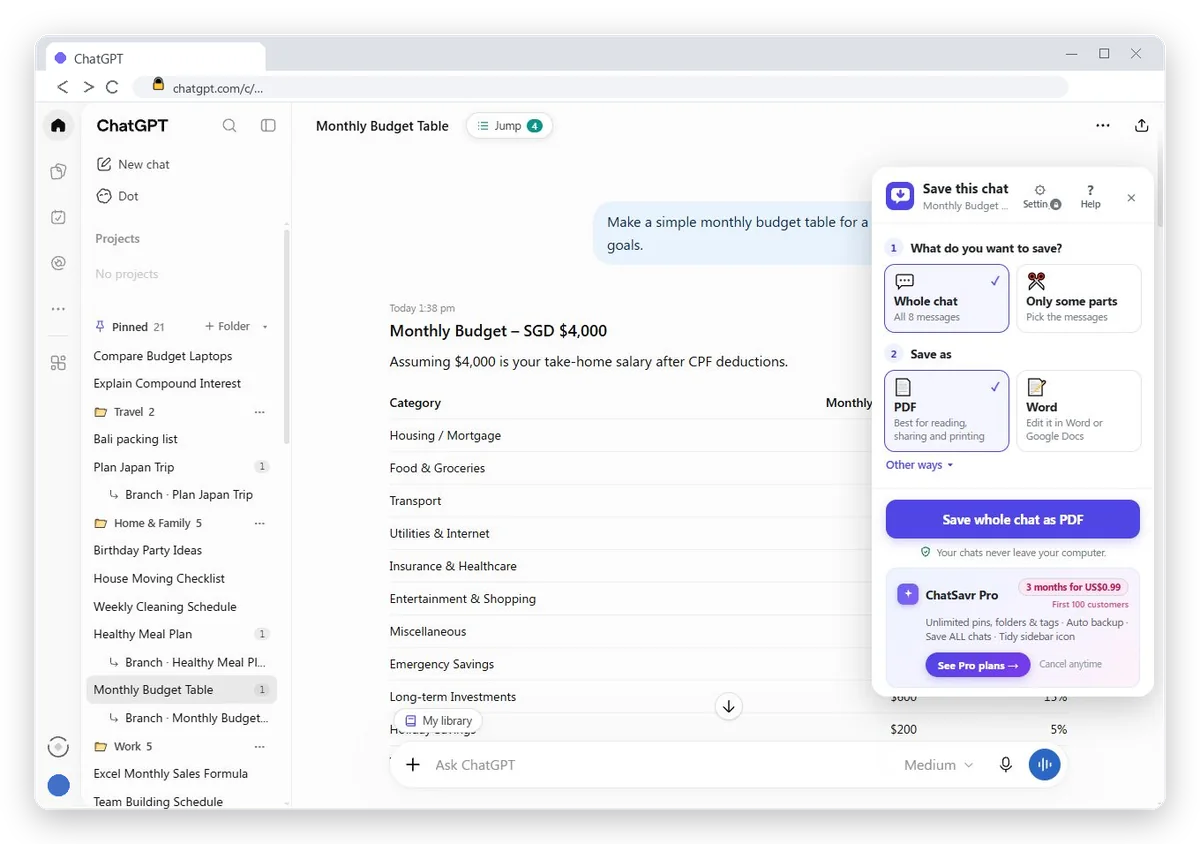
ChatSavr adds a purple Save chat button to chatgpt.com. Or press Alt+Shift+S (Mac: Option+Shift+S).
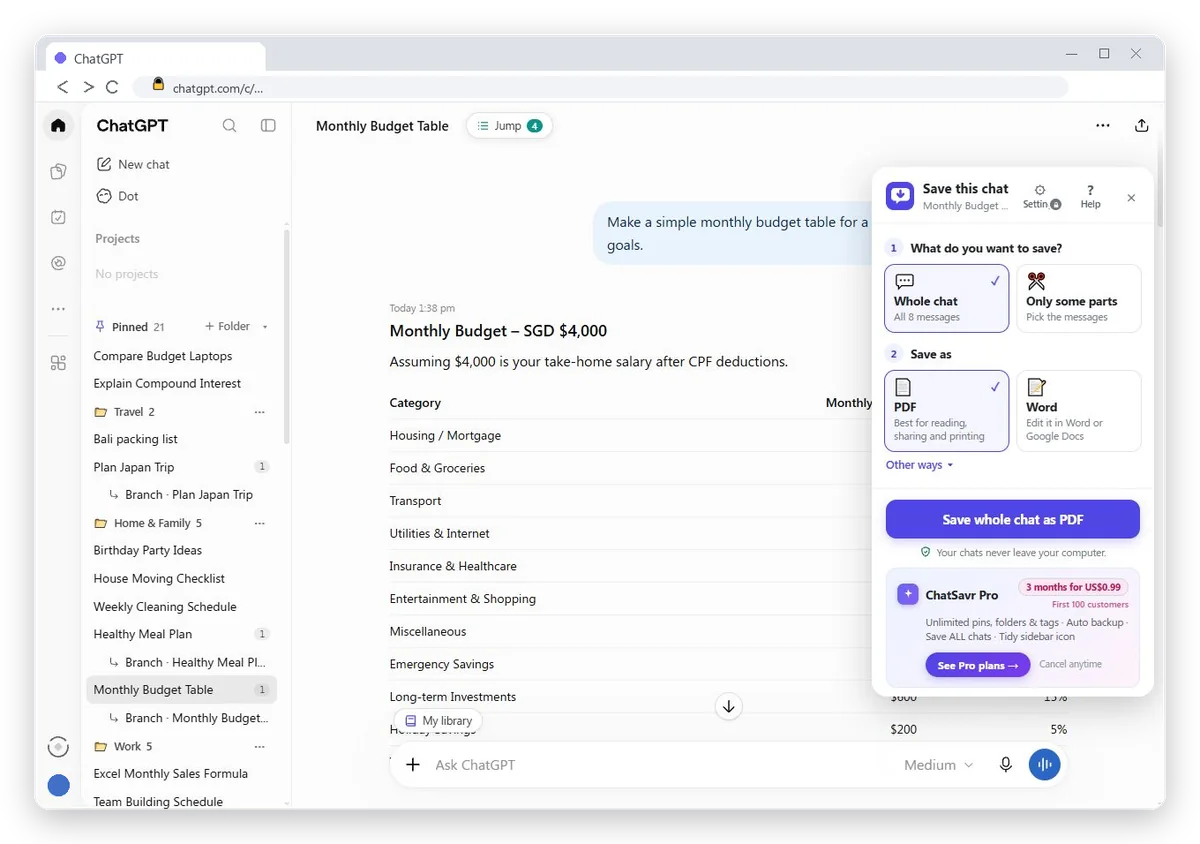
Whole chat or only some parts – PDF, Word or other formats.
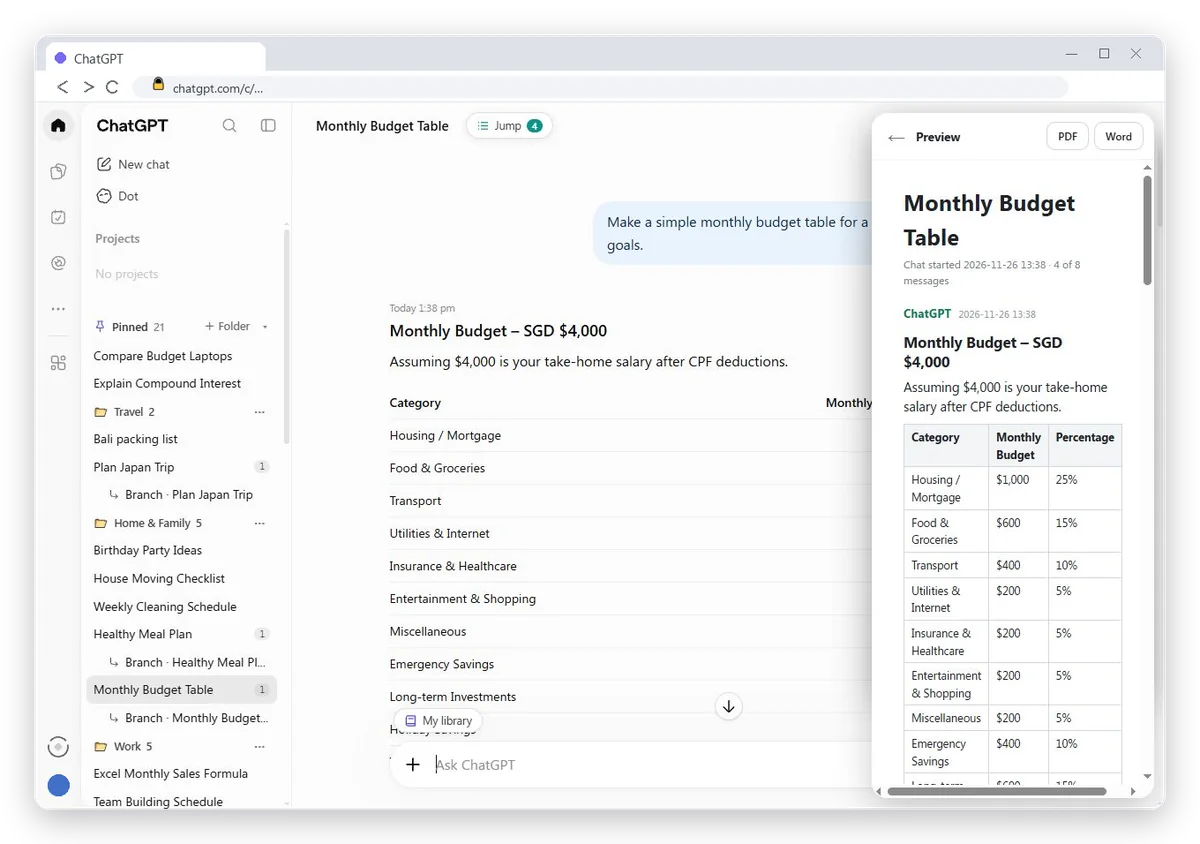
Preview if you like, then save. Your file is in Downloads.
No sound needed – every step has a caption.
From hundreds of Reddit and forum posts: saving chats comes first, then clean copying, long chats and keeping them organised.
The whole chat in one clean PDF – even very long chats, because ChatSavr reads the whole chat, not just what is on screen. ChatGPT to PDF →
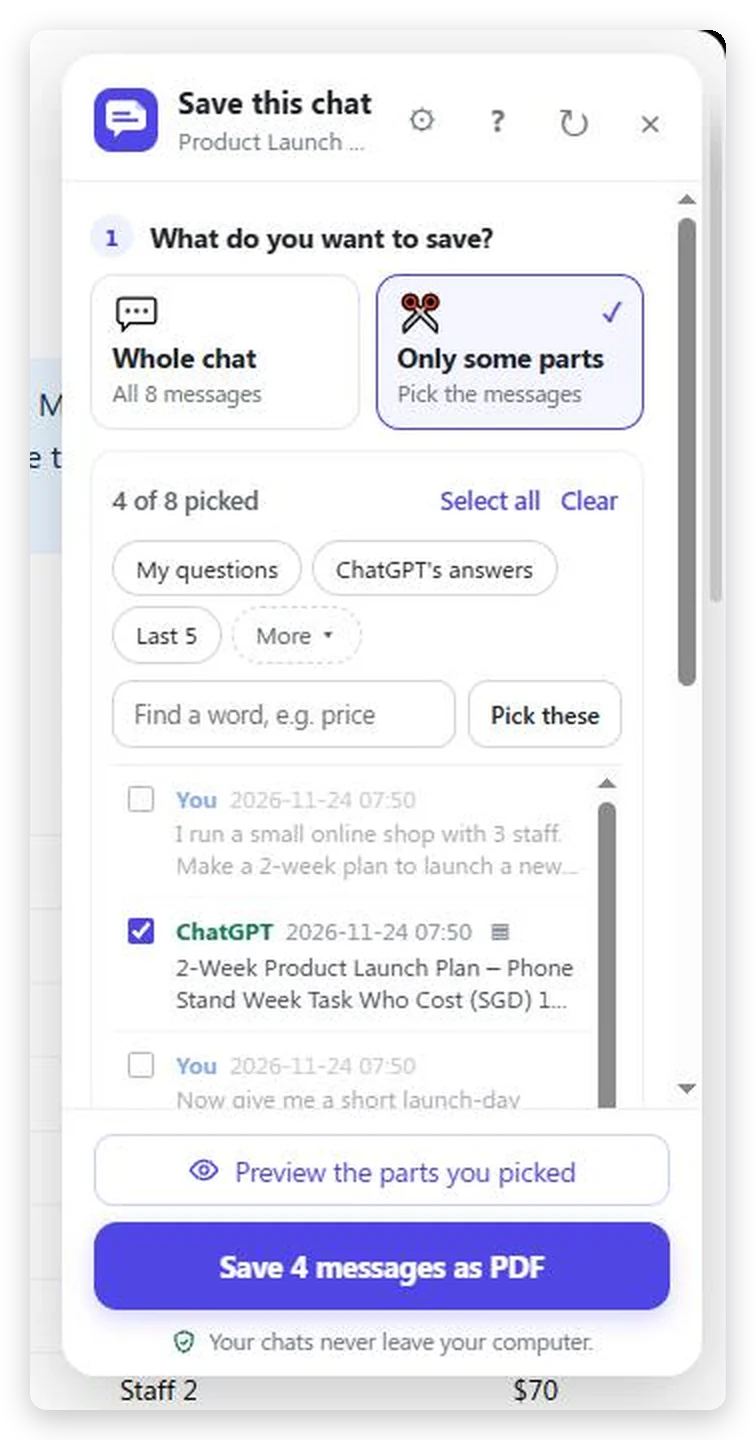
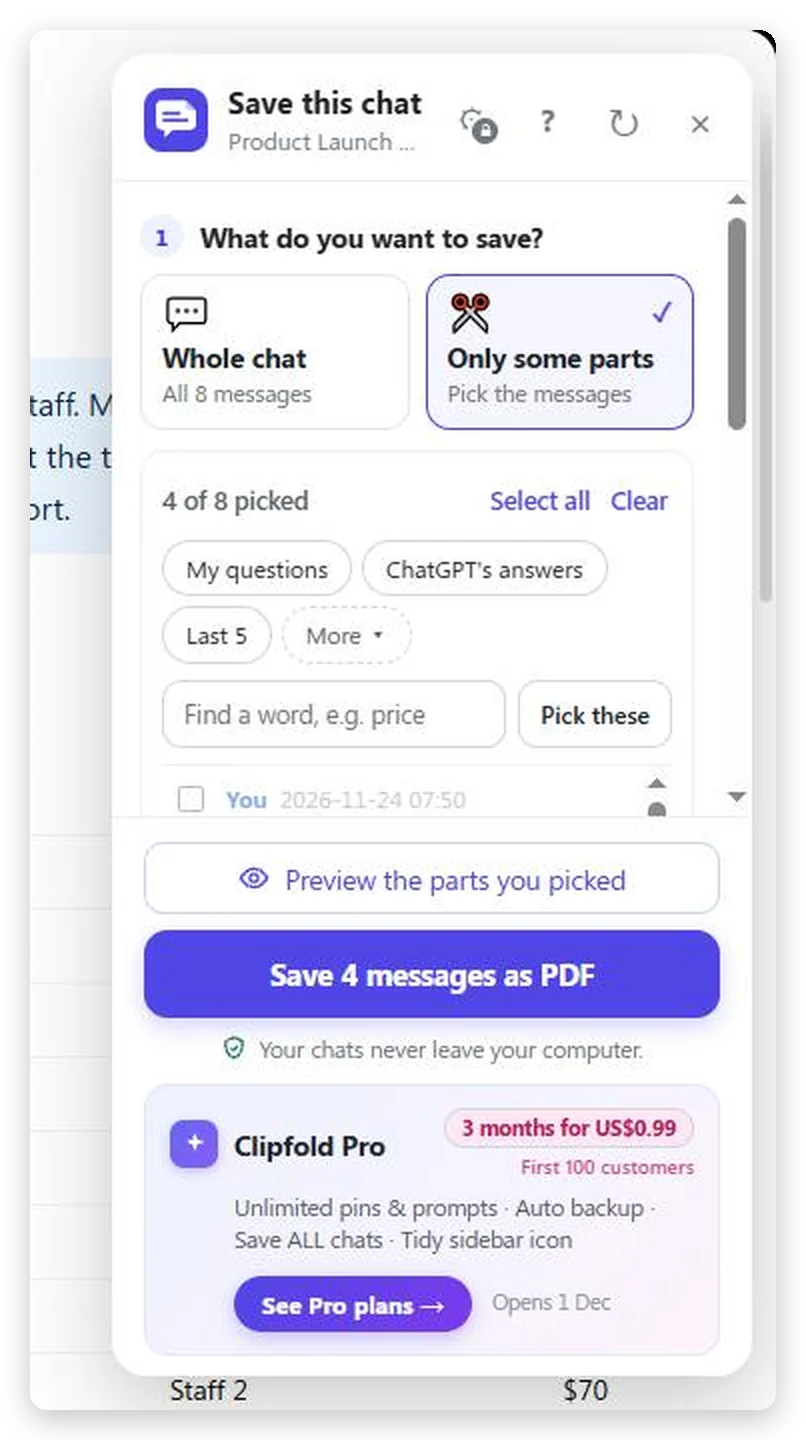
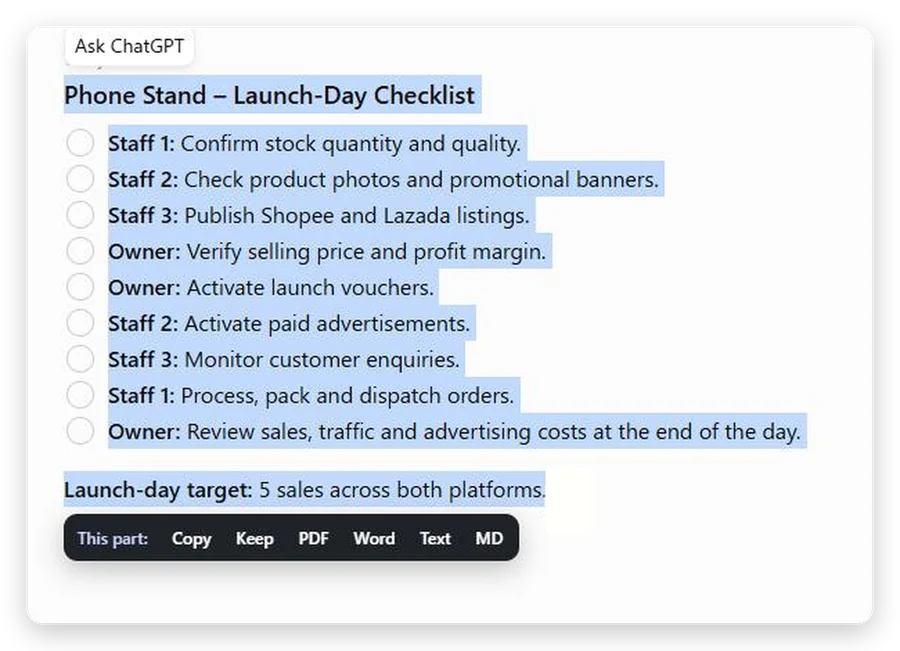
Just the answers, your questions, the last 5 – or highlight any words. How →
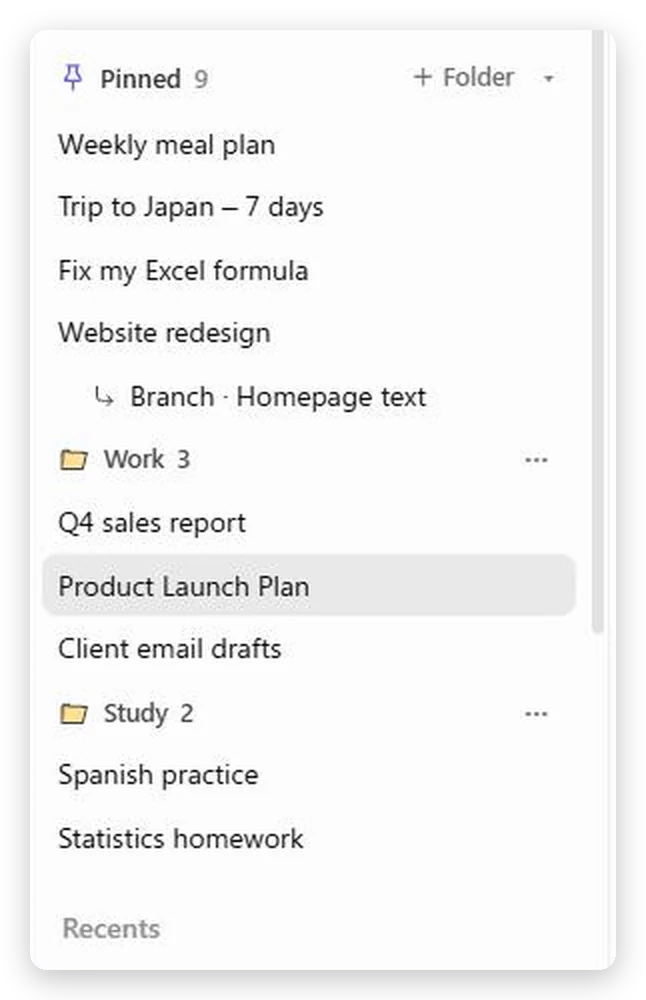
ChatGPT only lets you pin a few chats. ChatSavr adds your own Pinned list with folders, tags and sub chats. How →
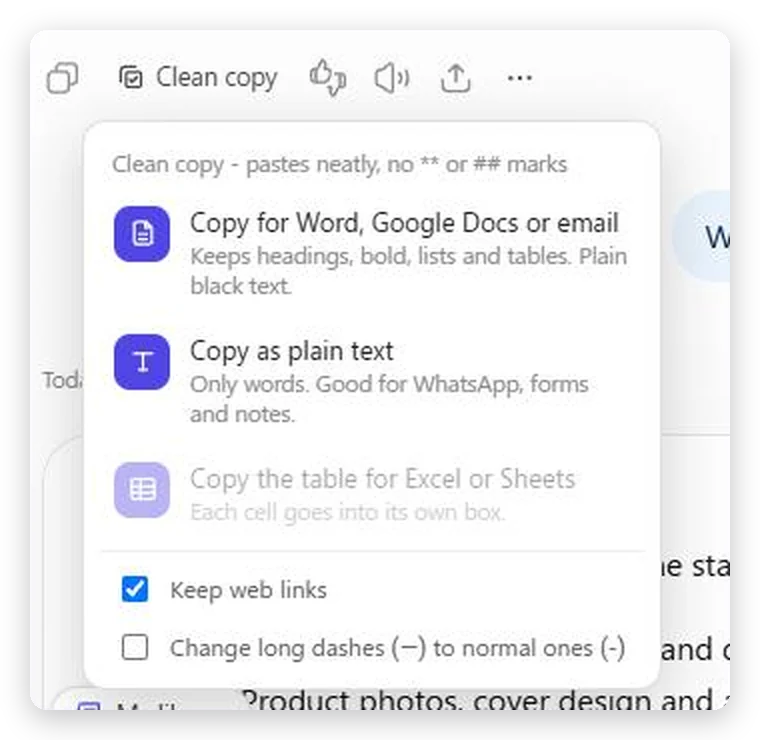
Clean copy keeps bold, lists and tables and drops the ** and ## marks. Tables go straight into Excel.
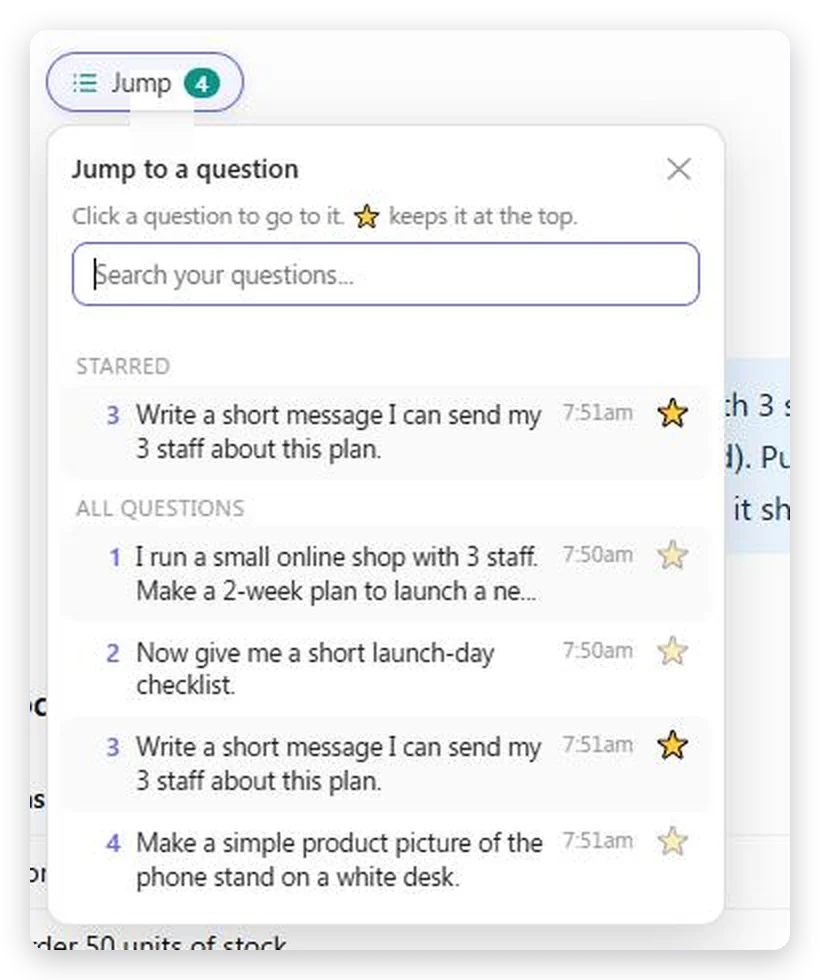
A jump list of every question you asked, with the time of every message.
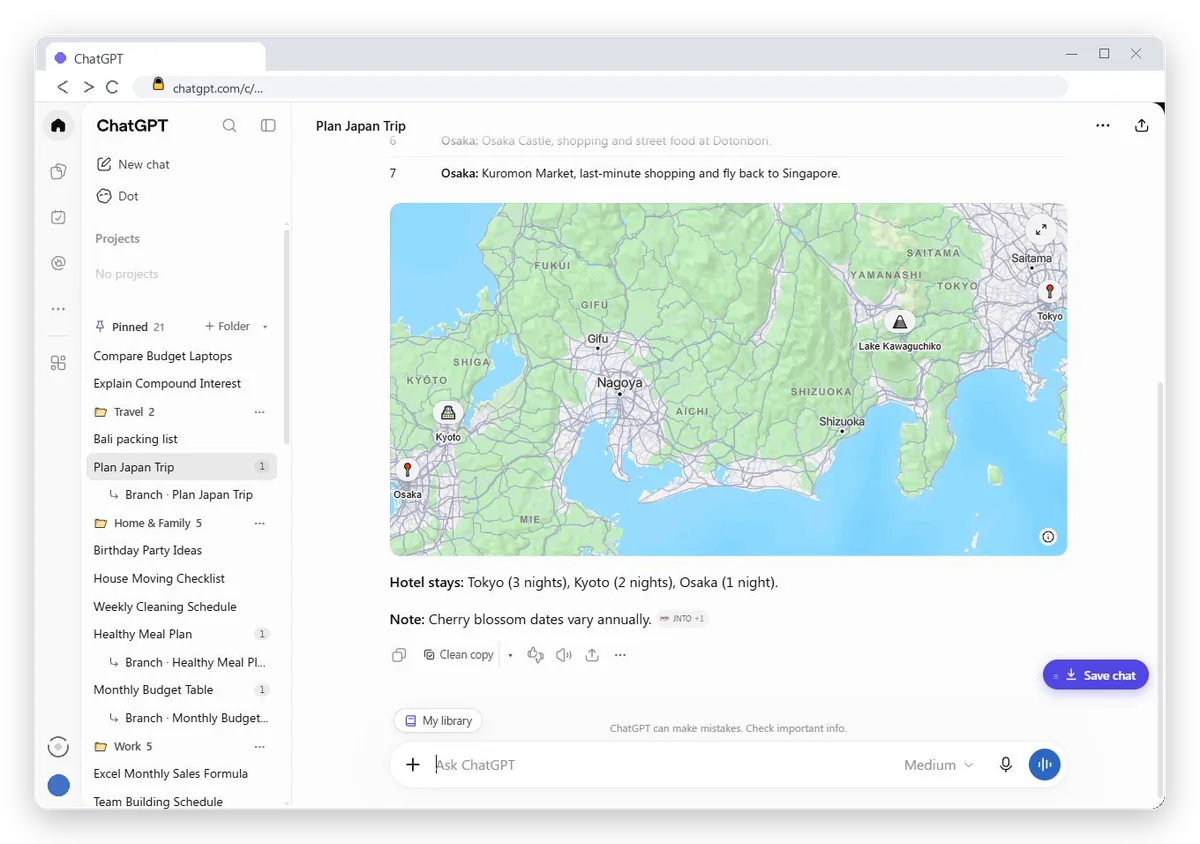
Exactly what ChatSavr makes from a ChatGPT chat – tables, lists and times included.
ChatSavr makes every file inside your own browser. There is nothing to upload, nowhere to sign up, and nothing for us to sell.
Chrome asks for these permissions when you install. Here is why we need each one.
To read the chat you choose to save and to show ChatSavr's buttons. Only on chatgpt.com.
To put the pictures from your chat into your PDF or Word file.
To remember your pins, folders, prompts and settings – on your computer only.
To save backup files into one folder. Asked only when you switch Backup on.
Install ChatSavr, open the chat on chatgpt.com, click the purple Save chat button, choose PDF and click Save. ChatSavr reads the whole chat – even very long ones – and makes a clean PDF with tables, code and pictures. You can also save only some messages.
Click Save chat, choose Word and click Save. You get a real .docx file that opens in Microsoft Word and Google Docs, with headings, lists and tables kept. To paste just one answer into Word, use Clean copy under the answer.
Yes. ChatGPT only lets you pin a few chats. ChatSavr adds its own Pinned list inside ChatGPT's sidebar: 20 pins, 2 folders and 3 tags on the free plan, unlimited with ChatSavr Pro. Your chats stay where they are.
Yes. Saving chats (whole or in part) in every format, Clean copy, the Jump list and time on messages are free forever. Pins, folders, tags, prompts and snippets are free up to a limit. ChatSavr Pro removes the limits and adds automatic backup, Save ALL, fill-in blanks and your own settings.
No. ChatSavr makes every file inside your own browser and has no server for your chats. Only if you buy Pro does ChatSavr contact our website – to check your licence – and it never sends any chat, file or prompt.
Google Chrome, Microsoft Edge and Brave on Windows, Mac, Linux and ChromeOS. It works on chatgpt.com.
No – the ChatGPT apps can’t run browser extensions. ChatSavr works on chatgpt.com in Chrome, Edge or Brave. Your chats are the same everywhere, so a chat you had in the app also shows up on chatgpt.com, and you can save it there.
Yes. On a ChatGPT chat press Alt + Shift + S (on a Mac: Option + Shift + S) to open ChatSavr. You can change it in Chrome at chrome://extensions/shortcuts.
No account and no sign-up for the free plan. Pro only needs the email you pay with.
Usually by themselves. ChatSavr keeps a small copy of your pins, folders, tags, prompts, snippets and settings in your own Chrome account (Chrome sync). Install ChatSavr on the new computer, sign in to Chrome with the same Google account with sync on, and ChatSavr fills itself in. Your chats themselves are never copied. To do it by hand: ChatSavr Settings → Move to a new computer → Save file, then Load file on the other computer.
No – it is not your Google Drive or Gmail space. Chrome gives every extension its own small sync space of about 100 KB, and the copy is only in there. That is room for about 1,000 pins with your folders and settings. If you ever have more, ChatSavr makes room by itself: folders, settings and as many pins as fit always go first, then prompts and snippets – and Settings tells you what did not fit, so you can move that with Save file / Load file. Nothing breaks. To delete the copy: ChatSavr Settings → Move to a new computer → untick “Keep a copy in my Chrome account”. ChatSavr deletes it from your Chrome account straight away.
ChatGPT can email you a ZIP of all your data, which can take hours or days and isn't easy to read. ChatSavr saves a clean PDF or Word file of any chat – or just a part – in seconds, and adds folders, a prompt library and a jump list.
No. ChatSavr is an independent product by Coding Goat Studio in Singapore. It is not affiliated with or endorsed by OpenAI.