
Guides › Save only part of a chat
How to save only part of a ChatGPT chat
Long ChatGPT chats are full of drafts and side questions. Here is how to keep only the answers you need.
The quick answer
Select the text and copy it, or use Clipfold’s “Only some parts” to pick exactly which questions and answers go into your PDF or Word file.
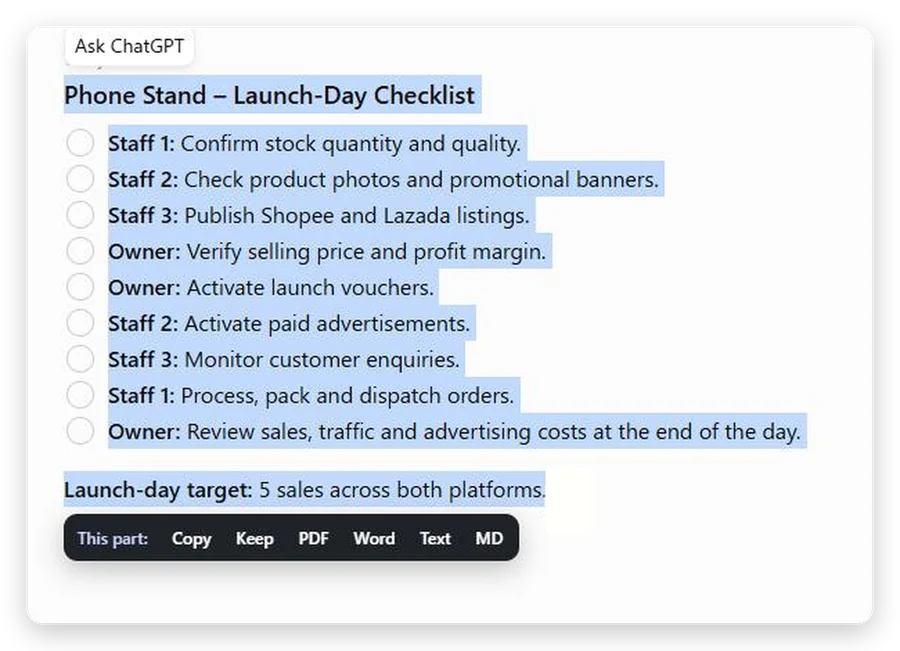
Way 1 – Highlight to save
With Clipfold installed, select any text in a ChatGPT answer. A small bar appears: Copy · Keep · PDF · Word. Pick PDF or Word to save just that part.
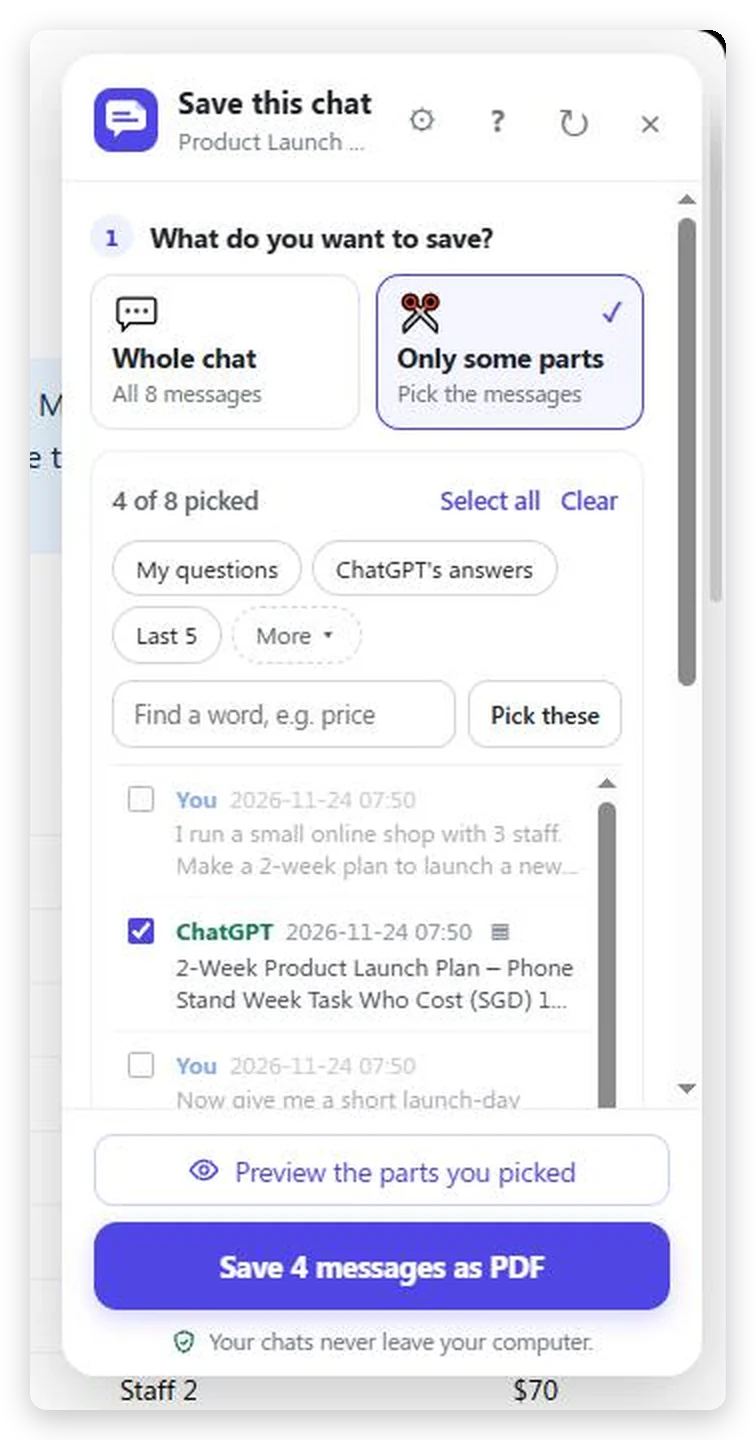
Way 2 – Pick the messages
- Click Save chat → Only some partsEvery question and answer gets a tick box.
- Pick what you needYour questions, ChatGPT’s answers, the last 5, or every message with a word like “price”.
- Preview, then saveCheck it first, then save as PDF, Word, Markdown, text or web page.
Save just the parts you needFree Chrome extension · no sign-up · your chats never leave your computer
Add to Chrome